
THE VERDICT
A dependable intake door—if you finish the setup before sharing the link.
Google Forms plus Google Sheets captured two fictional cleaning-client submissions instantly, preserved the question order, added timestamps, and exported the complete response table to XLSX. For a solo cleaner or a small team, that is a practical way to replace scattered inquiry notes with one structured starting point.
The test also showed why the form itself needs a final inspection. Only one question was required in our published test, a preferred service date remained unstructured text, and the linked spreadsheet initially inherited an unhelpful “Untitled form” name. The tools worked; the weak points came from configuration that was technically valid but operationally incomplete.
HANDS-ON WORKFLOW TEST
What we built, submitted, checked, and exported.
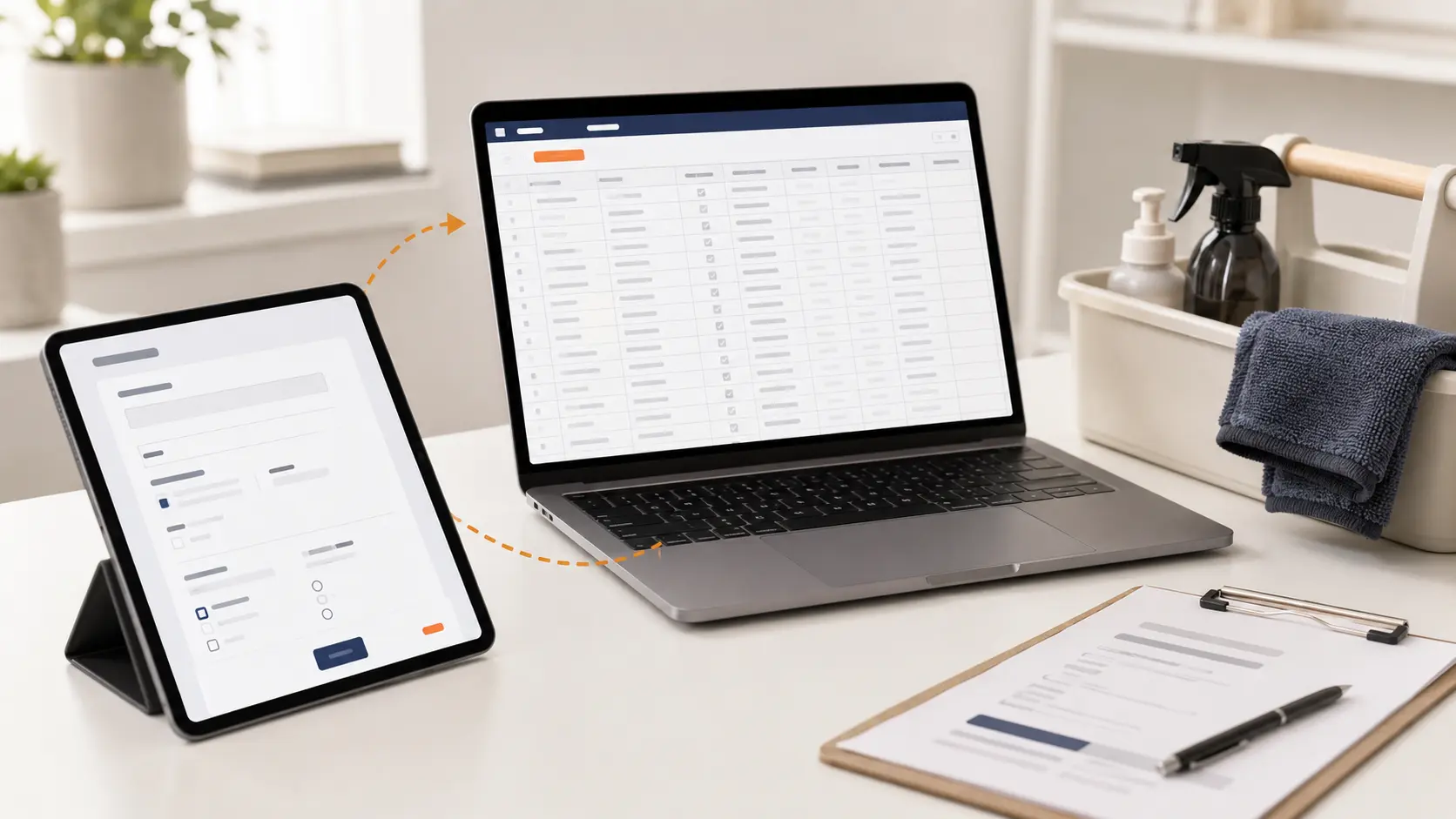
On July 27, 2026, Work Tested published a Google Form for a fictional cleaning-business intake workflow. It asked for customer contact details, service address, preferred date, property size, service type, cleaning priorities, and limited pet, access, and product notes.
We submitted two fictional customer records through the public response link, then inspected the linked Google Sheet. No real customer information, passwords, alarm codes, payment details, or other sensitive access credentials were used.
Contact, address, date, property size, service, priorities, pets, access method, and product restrictions.
Both records arrived with every entered value in the expected question column.
The sheet contained one Timestamp column plus nine question columns.
The form description and final question warned against entering passwords or alarm codes.
We renamed the form and its response sheet after the original linked file inherited an untitled name.
The response workbook downloaded successfully as an XLSX file.
TEST RESULTS
The data path passed. The setup discipline was only partial.
Both fictional form submissions appeared in the linked sheet without a dropped answer.
The spreadsheet matched the published question order, which makes later sorting and cleanup predictable.
Each response received its own submission timestamp in the first column.
Only the bedrooms-and-bathrooms question was required in our published form. Every essential question must be checked individually before launch.
Our preferred-date question used a short text answer, so the sheet preserved it as entered rather than enforcing one date format.
The linked workbook initially inherited “Untitled form (Responses)” because the Drive file title had not synchronized with the visible form heading.
The complete response table exported successfully for backup, cleanup, or migration.
The tested setup collected responses only. It did not send estimates, reminders, confirmations, or internal assignments.
WHERE IT WORKS
It turns an open-ended inquiry into a clean row of usable facts.
The strongest result was consistency. Every submission entered the same column structure, which is easier to scan, filter, and transfer than notes from calls, texts, and social messages. The response timestamp also provides a simple record of when each inquiry arrived.
The form can be shared as one link, changed without rebuilding the spreadsheet, and used on a phone. The linked sheet is immediately available for triage: verify the address, identify the requested service, note special conditions, and decide what information still requires a conversation.
Export also makes the setup less fragile. A clean workbook can be backed up or prepared for migration when the business eventually needs a CRM.
WHERE IT BREAKS
A form collects what you ask—not necessarily what the business needs.
An optional question can quietly create incomplete records. A free-text date can produce several formats. A broad access-notes field can invite customers to enter information that should never sit in a general response sheet. None of those issues look like an error to Google Forms.
The linked sheet also does not become a customer-management system. It does not merge duplicate customers, track estimate status, schedule recurring work, restrict every sensitive column by role, or make sure someone follows up.
Finally, file naming matters more than it seems. An untitled response workbook is harder to recognize in Drive, easier to open by mistake, and less useful months later when several forms exist.
RECOMMENDED SETUP
Use a short launch checklist before the first real customer sees it.
- Name the Drive form first.
Confirm the file name at the top of the editor—not only the large heading customers see.
- Require the fields that block an estimate.
Usually name, one contact method, service address, service type, and enough property detail to understand the job.
- Use a date question for dates.
Choose a structured date field when you need consistent sorting instead of accepting several free-text formats.
- Limit access notes.
Ask for the access method and discuss sensitive credentials through a more controlled process.
- Submit one incomplete and one complete test.
Try to bypass each essential question, then confirm every answer lands in the correct spreadsheet column.
- Rename and protect the response sheet.
Use a recognizable file name, limit sharing, and decide who is responsible for checking new responses.
- Export a sample.
Confirm that the workbook opens cleanly before relying on export as your backup or migration path.
WHAT THIS REVIEW DOES NOT CLAIM
This was a focused intake test—not a complete security or automation audit.
We tested a public-link form with two fictional submissions, one linked response sheet, and one XLSX export. We did not test large response volumes, offline use, accessibility with assistive technology, file-upload questions, spam resistance, multilingual forms, or complex branching.
We also did not test customer notifications, email automation, Apps Script, Zapier, CRM synchronization, estimates, scheduling, payments, or team permissions. Product behavior and plan terms can change, so important settings should be checked in the current interface before launch.
WHO SHOULD USE IT
Use it when better intake is the problem—not when the whole workflow is broken.
This setup fits a solo cleaner or small team that needs one dependable inquiry form and can review every response manually. It works especially well when the next step is a phone call, walkthrough, or estimate rather than automatic booking.
Move toward a connected booking or service-management system when responses sit unanswered, staff need assignments, the same information is copied into several tools, or customers expect immediate scheduling and confirmation. The form can still remain the front door, but it should no longer carry the entire process.