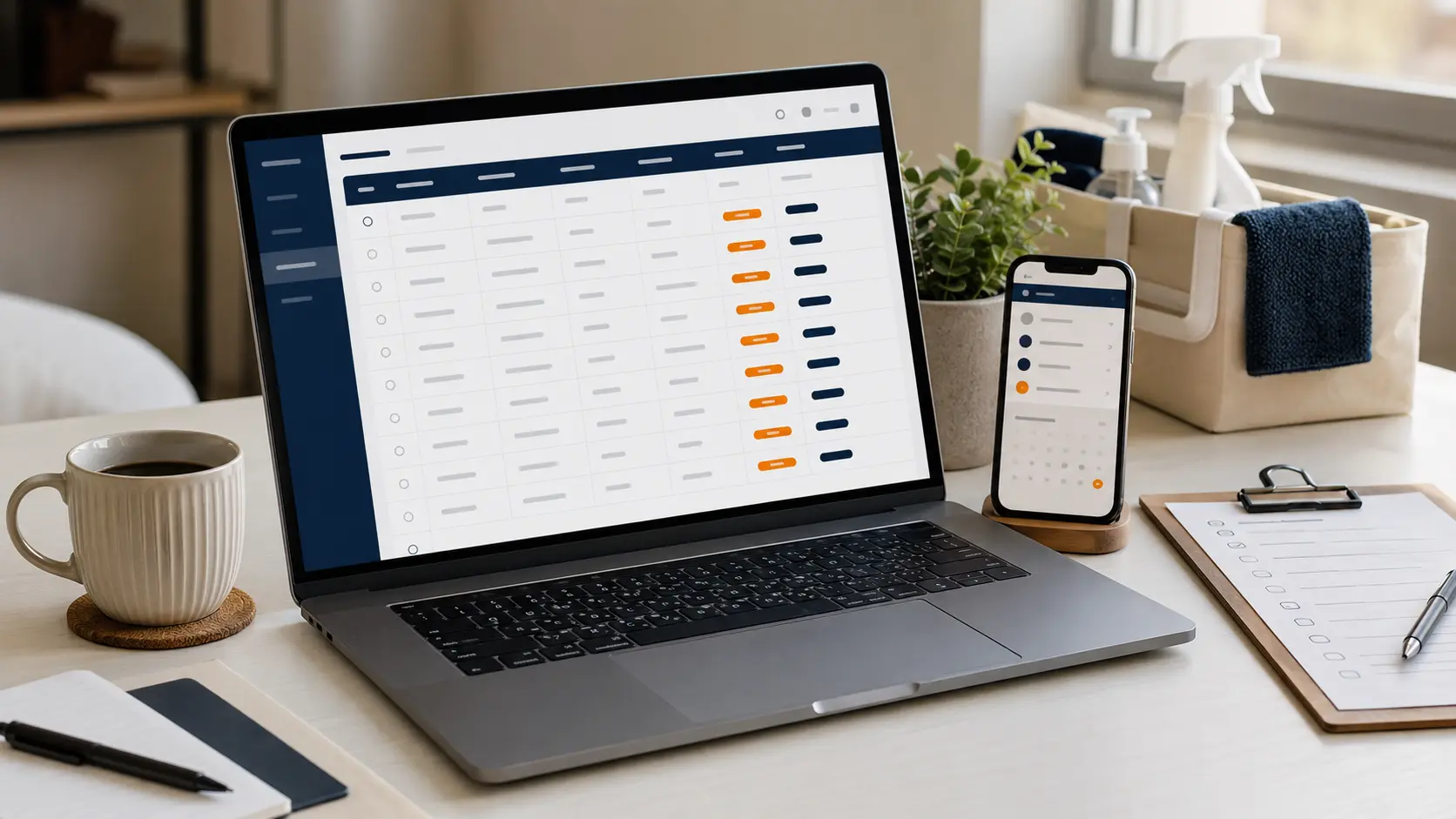
Cleaning inquiry follow-up tracker
Give every inquiry a status, owner, next action, deadline, estimate amount, and clear closeout.
Get the free tracker → WORKTESTEDTools tested for real work.
FOR CLEANING BUSINESSES
Practical guidance for solo and small residential cleaning businesses—from the first inquiry to the final payment and review.
THE WORKFLOW WE COVER
START HERE
Give every inquiry a status, owner, next action, deadline, estimate amount, and clear closeout.
Get the free tracker →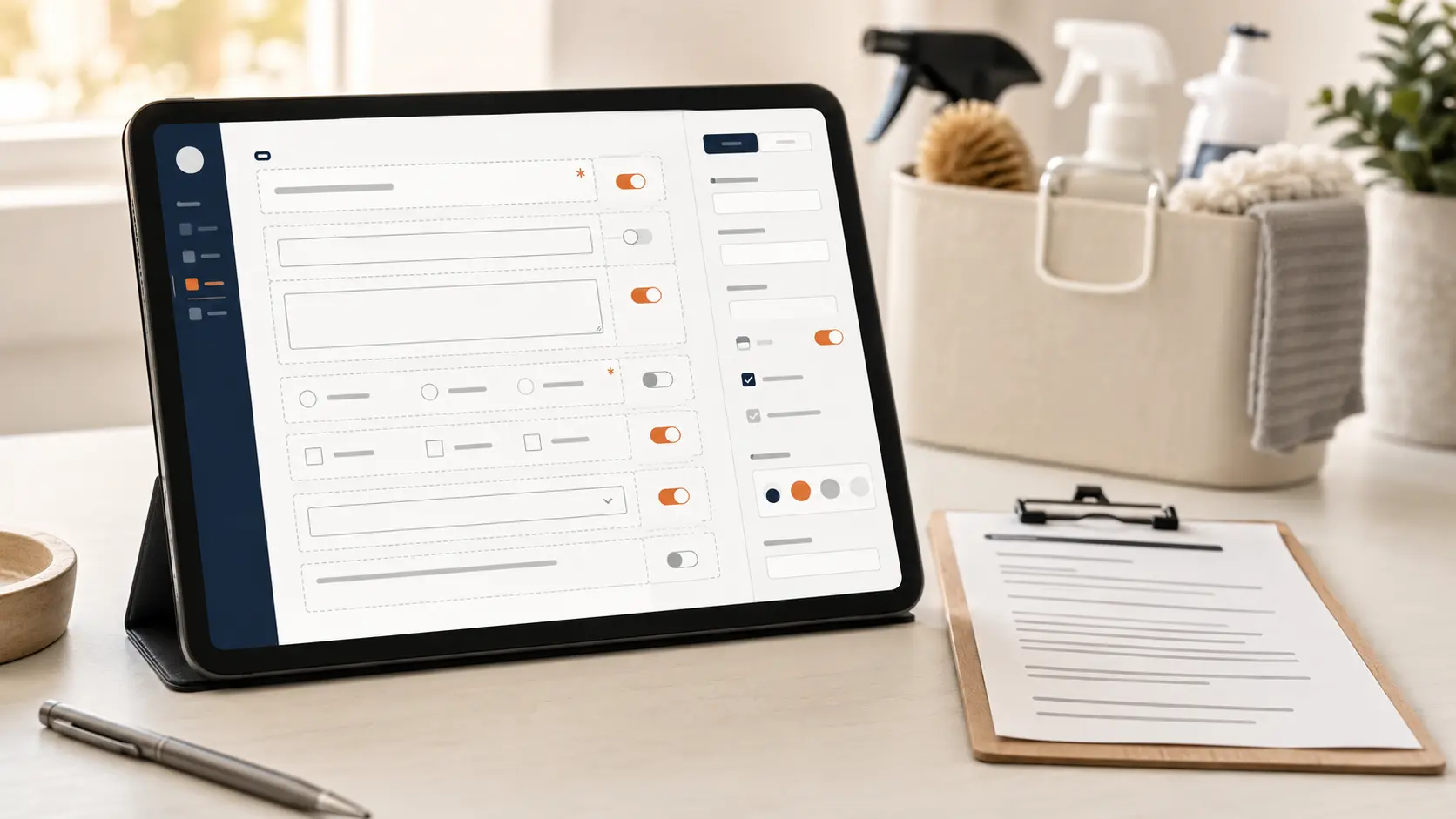
Choose the right questions, required fields, safer access notes, response sheet, and pre-launch tests.
Build the intake form →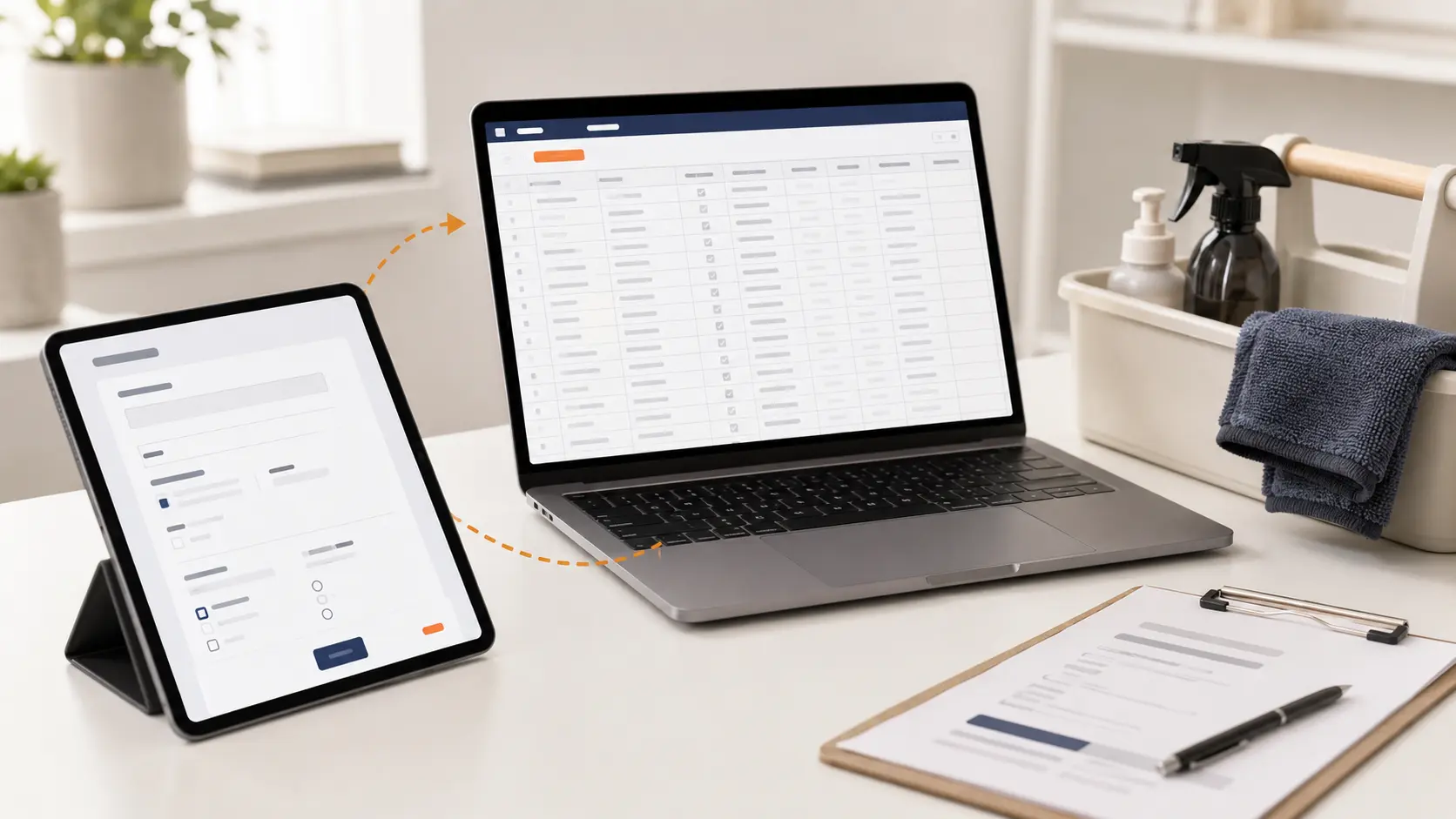
We tested two fictional submissions, required fields, timestamps, linked-sheet naming, and XLSX export.
Read the tested verdict →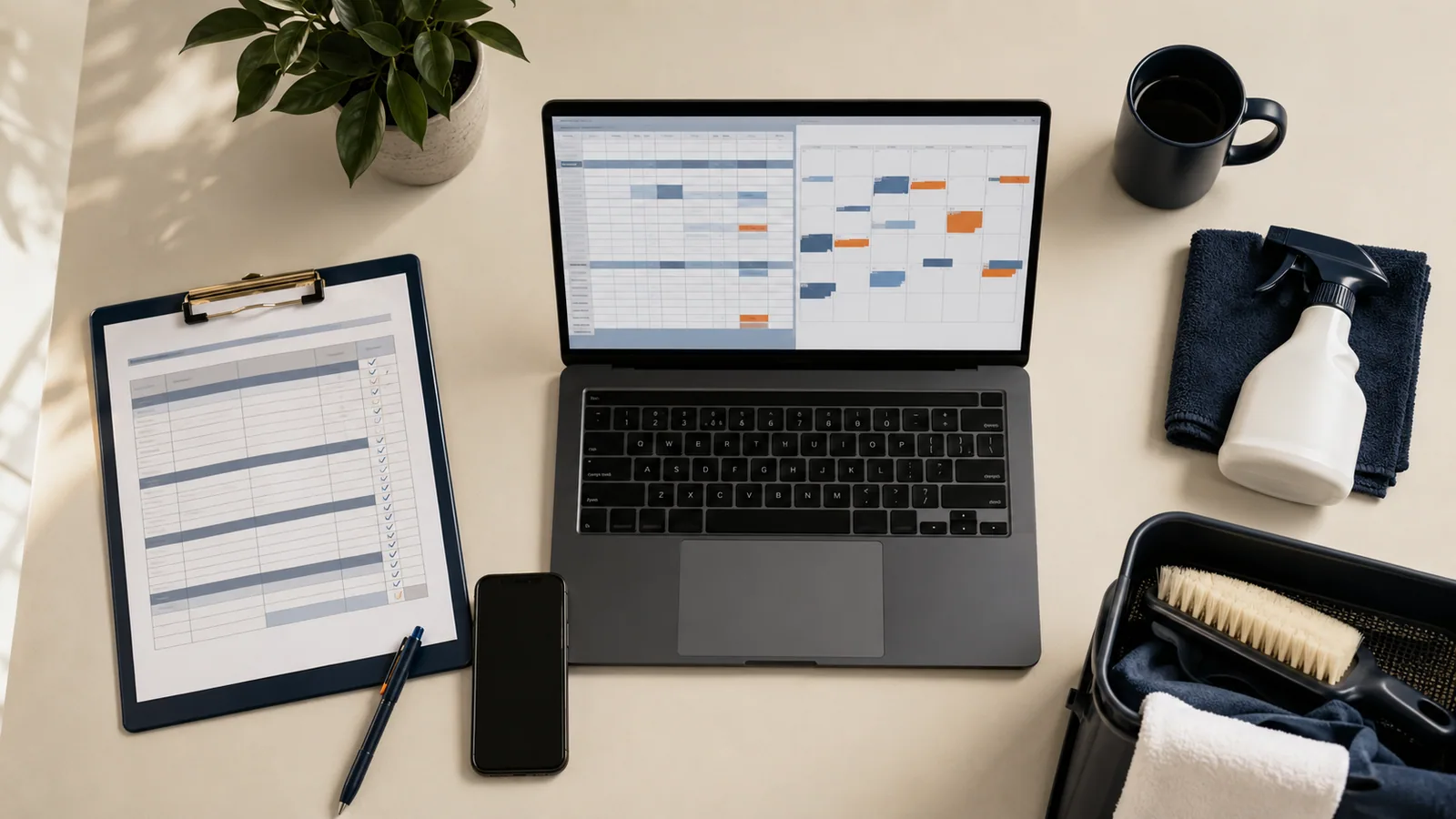
We tested linked customer records, four biweekly visits, one reschedule, operator reminders, and XLSX export.
Read the tested verdict →
Collect contact, property, access, pet, priority, pricing, and scheduling details before the first visit.
Use the checklist →
Use the essential customer, property, service, scheduling, price, payment, and follow-up columns.
Build the spreadsheet →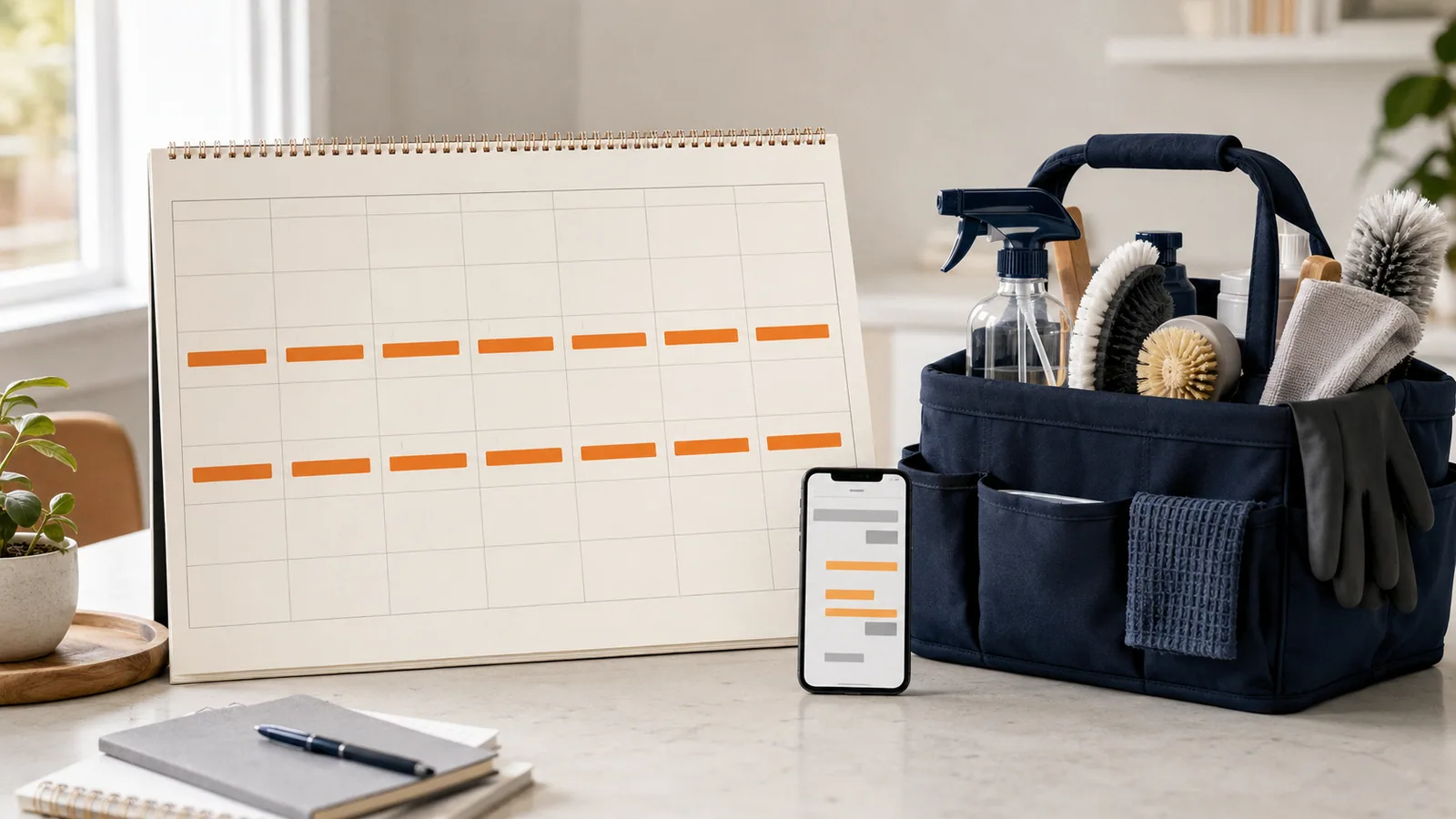
Coordinate weekly, biweekly, and monthly work with a dependable calendar-and-spreadsheet system.
Organize recurring work →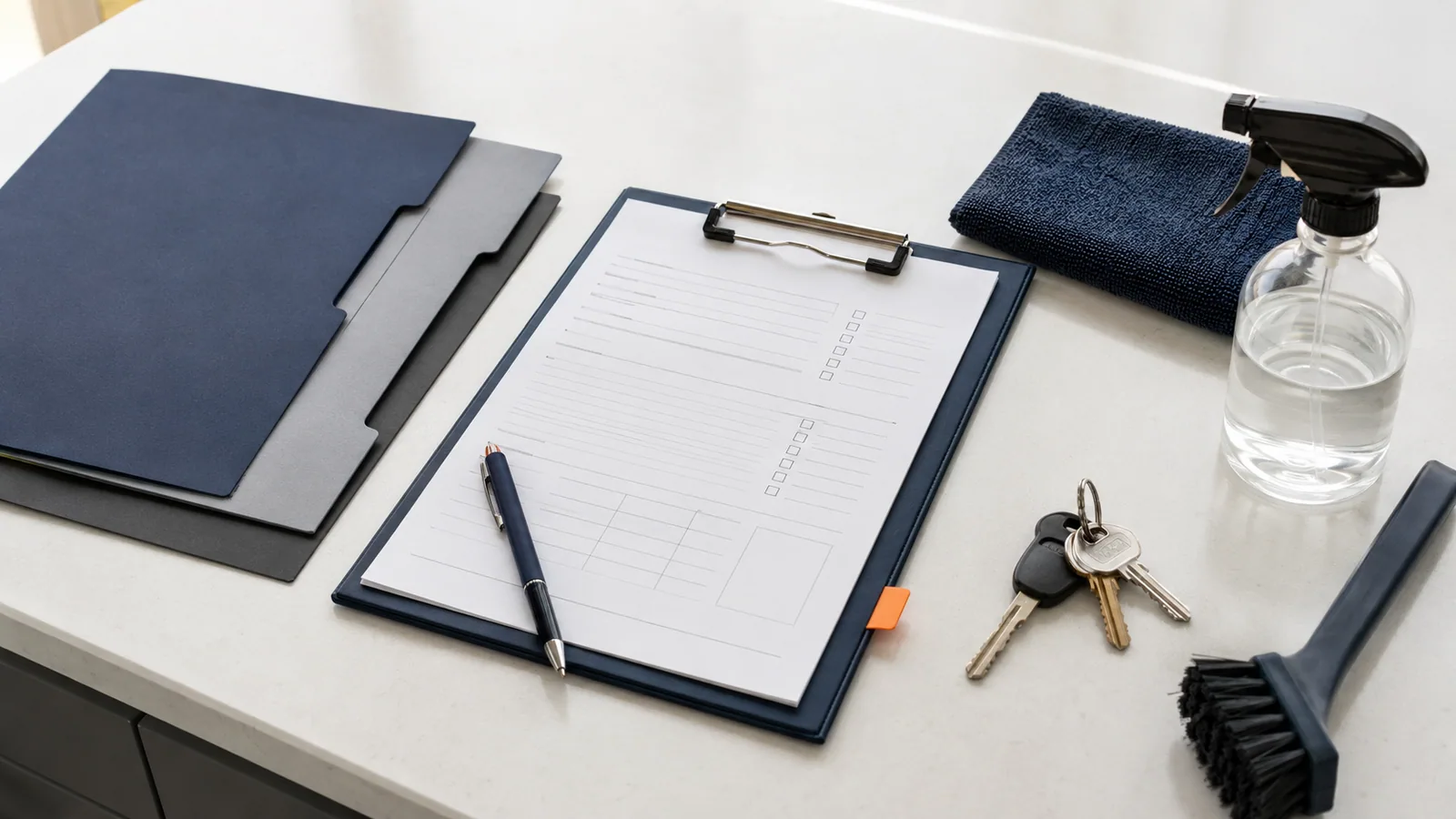
Keep priorities, pets, products, access, property details, and changes useful, current, and safer.
Improve customer notes →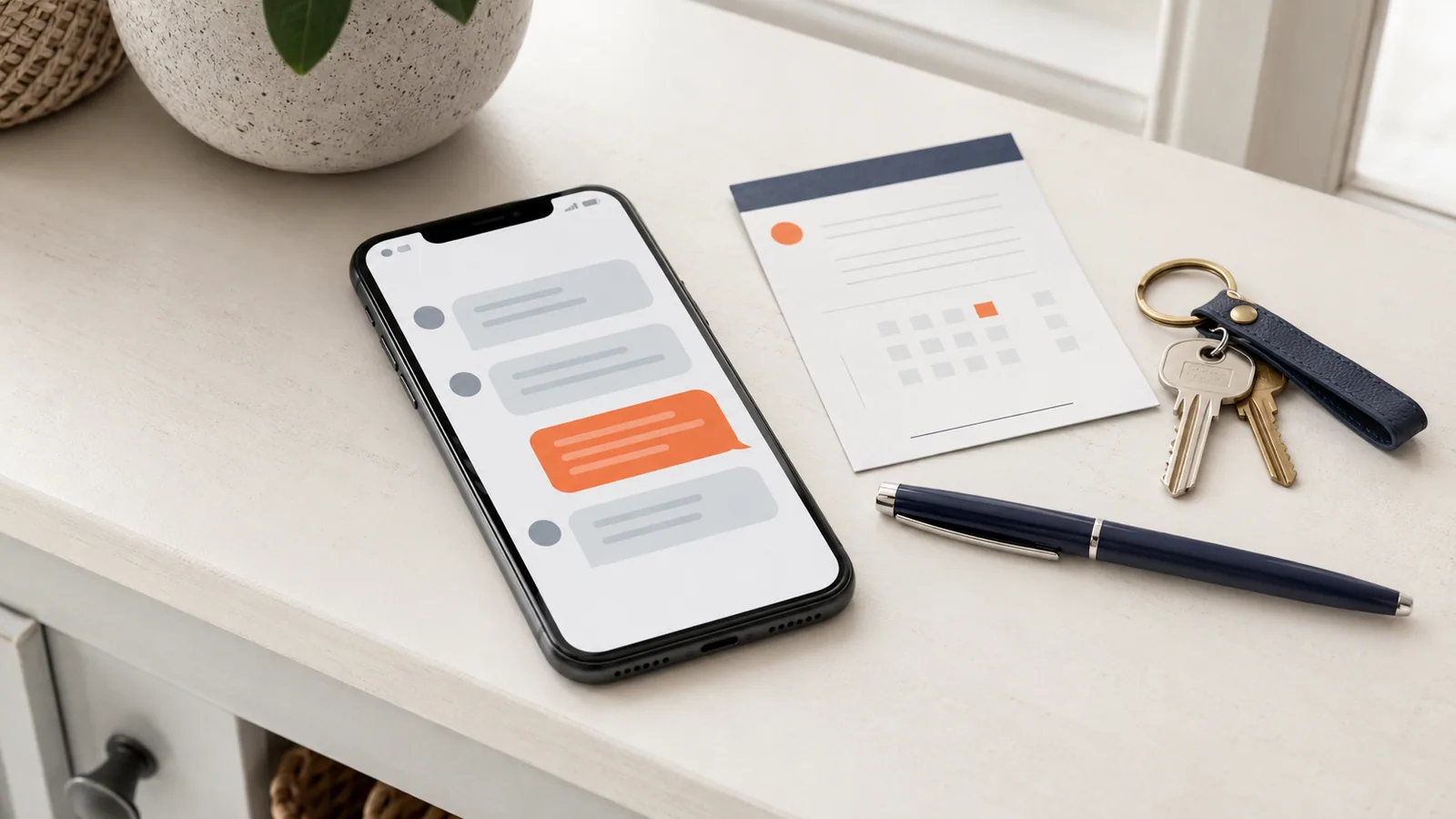
Adapt clear confirmations, access checks, arrival notices, rescheduling messages, and follow-up.
Use the message templates →
Build a simple path from inquiry to review without paying for more software than you need.
Read the guide →
Use customer count, missed follow-up, scheduling pressure, and paperwork to make the decision.
Take the readiness check →
See what each approach handles well and where manual work begins to break.
Compare both systems →
Separate essential workflows from features that sound impressive but add little value.
Read the buying guide →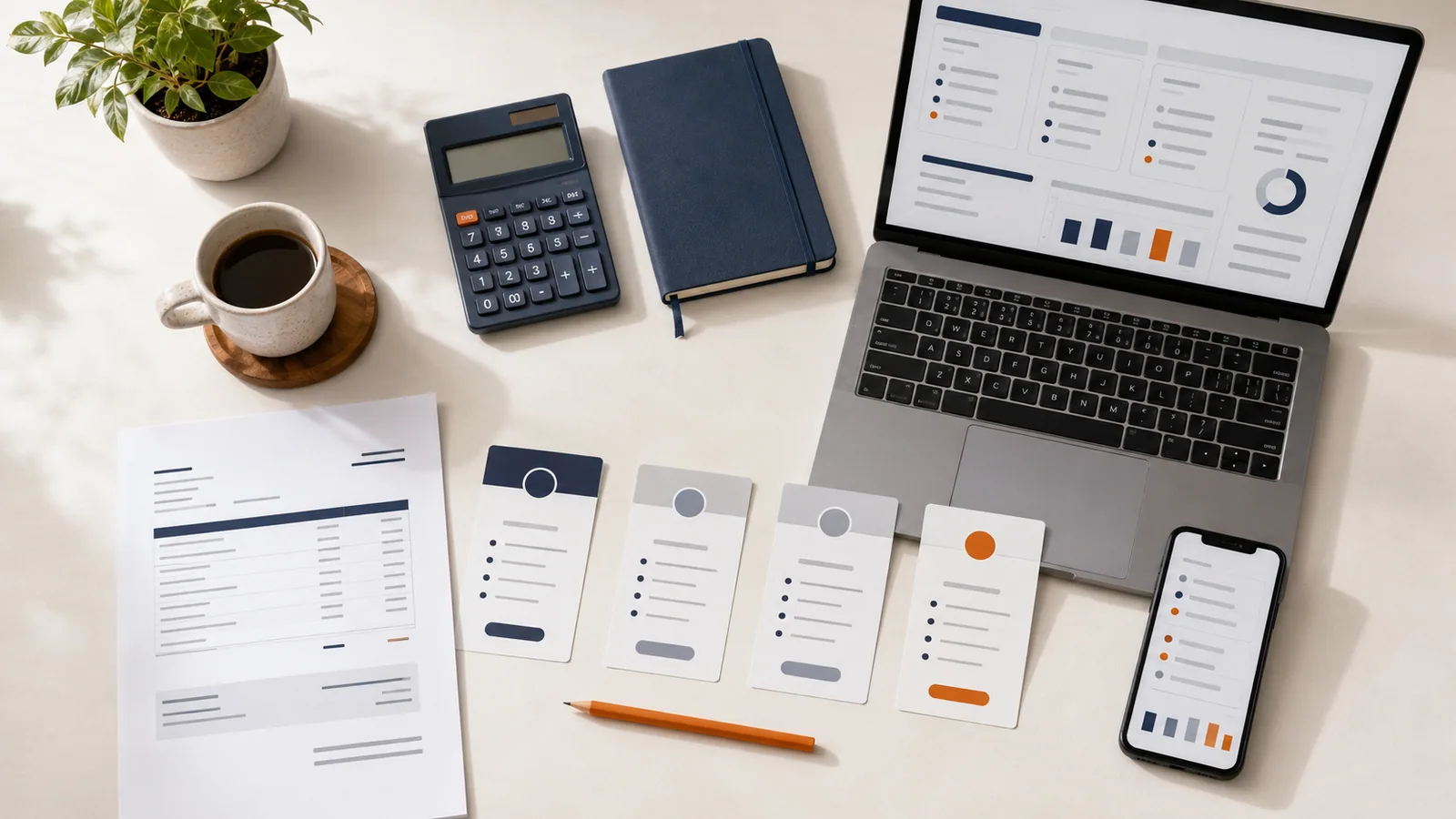
Compare subscription cost against time saved, missed jobs, and payment delays.
Build a software budget →
Follow up on unanswered estimates, clarify scope, offer scheduling options, and close the loop without sounding pushy.
Use the follow-up templates →
Collect entry, parking, pet, contact, and failed-access details while limiting exposure of keys and codes.
Use the access checklist →
Track quantities, reorder points, storage, purchasing, responsibility, consumables, tools, and equipment.
Build the inventory →