
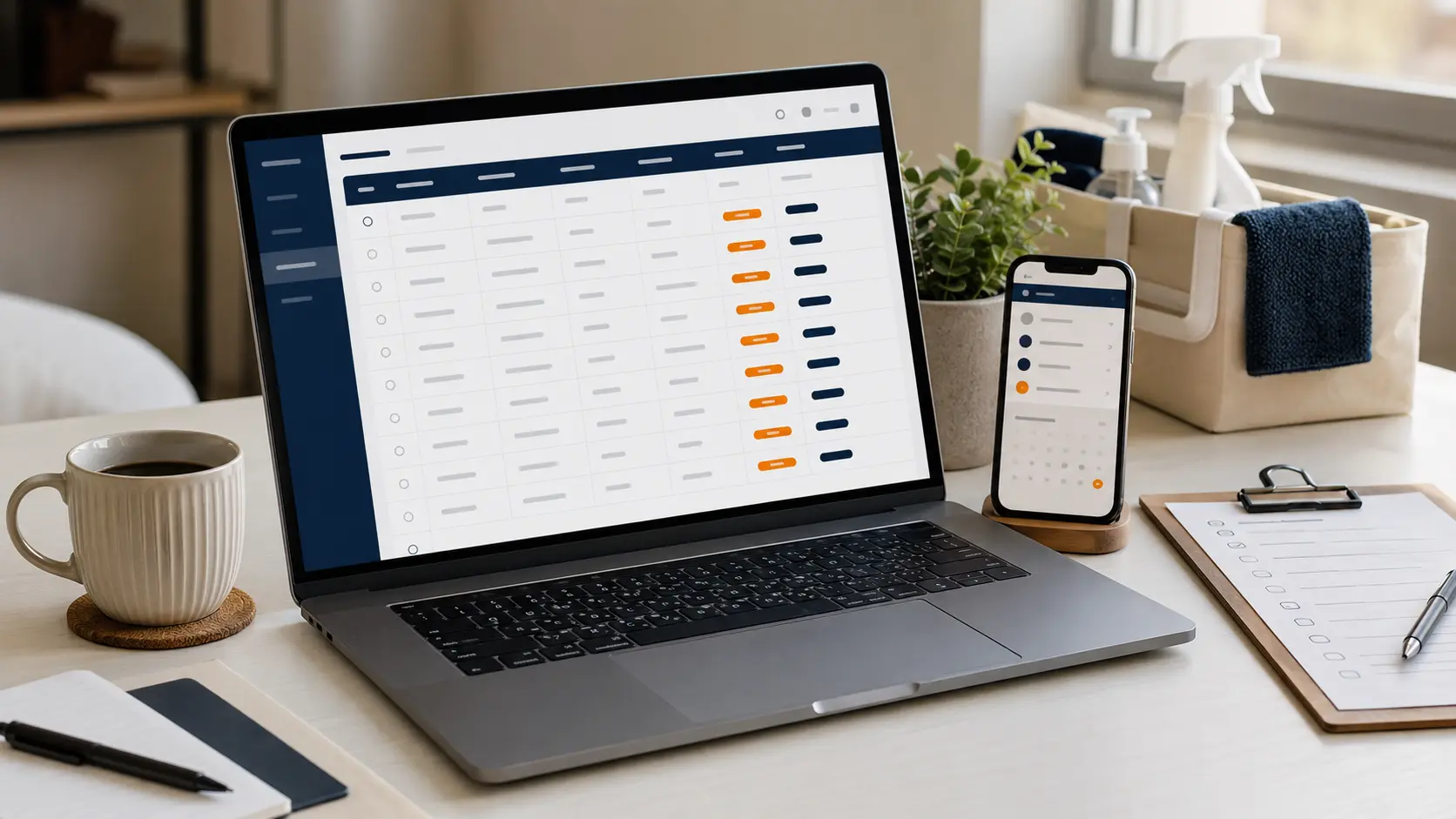
FREE SPREADSHEET
Download the ready-to-use inquiry tracker.
The workbook includes an Inquiry Tracker tab and a short Setup Guide. It opens in Microsoft Excel and can be imported into Google Sheets or Apple Numbers.
Three clearly labeled fictional examples show how the columns work. Replace them before using the tracker with real inquiries.
XLSX workbook with dropdown statuses, priorities and frequencies; automatic Days Open formulas; overdue-date highlighting; filters; frozen headers; and 200 editable rows.
Download the free tracker →THE PROBLEM IT SOLVES
A new inquiry is not useful until it has an owner and a next action.
Cleaning inquiries arrive through forms, calls, texts, referrals, and social messages. The details may be complete, but the business can still lose the opportunity if nobody records who should respond or when the next step is due.
A follow-up tracker creates one visible queue. It does not automate the conversation. It makes the responsibility, deadline, and current stage harder to forget.
THE ESSENTIAL COLUMNS
Track the customer, the opportunity, and the next move.
Shows when the request entered the business and supports the automatic Days Open calculation.
Keeps the name, best phone number, and email available without searching several inboxes.
Helps confirm the service area and distinguish customers with similar names.
Separates one-time, weekly, biweekly, monthly, deep, standard, and move-related opportunities.
Shows whether the inquiry is new, contacted, scheduled for an estimate, quoted, won, lost, or not a fit.
Flags urgent or high-value follow-up without turning every inquiry into an emergency.
Names the person responsible for moving the inquiry forward.
Records one concrete task and the deadline for completing it.
Adds a useful opportunity value only after the scope has been reviewed.
Calculates how long an active inquiry has remained unresolved.
Keeps brief decision-making context—not passwords, alarm codes, payment credentials, or a full message history.
USE CLEAR STATUSES
Each status should describe a real stage—not a vague feeling.
The inquiry has arrived, but nobody has completed the first response.
The business responded and is waiting for information or the customer’s reply.
A call, video review, or property walkthrough has a confirmed time.
The customer received the price and scope; a follow-up date should already be set.
The customer accepted and the work moved into the scheduling system.
The customer declined, chose another provider, or stopped responding after the defined follow-up sequence.
The request falls outside the service area, scope, availability, safety rules, or business model.
DAILY WORKFLOW
Use the tracker as a short operating routine.
- Capture every qualified inquiry.
Add requests from the form, phone, text, referrals, and social channels to the same queue.
- Assign an owner immediately.
Even a one-person business should use an owner field so the workbook can grow without redesign.
- Set one next action.
Write “Call to confirm scope” or “Follow up on estimate,” not a vague note such as “Check later.”
- Give the action a date.
A task without a deadline remains dependent on memory.
- Review overdue dates first.
The template highlights active next-action dates that have already passed.
- Close the loop.
Move accepted work to the calendar and mark the inquiry Won. Mark clear losses and unsuitable requests instead of leaving them active forever.
CONNECT IT TO INTAKE
Keep customer answers separate from internal follow-up decisions.
A Google Form can populate contact, address, service, and property fields. The team should add Status, Priority, Owner, Next Action, Next Action Date, Estimate Amount, and internal Notes after reviewing the inquiry.
That separation matters. Customers provide facts about the request. The business records how it will respond. Do not make customers choose an internal sales status or assign their own priority.
Start manually. When copying the same fields between the response sheet and follow-up tracker becomes slow or error-prone, test a careful automation or a connected CRM.
COMMON MISTAKES
The tracker fails when it becomes a storage place instead of a decision tool.
The row contains useful history but provides no deadline.
The true next action becomes unclear. Record the next task; update it after completion.
Priority stops helping the team decide what deserves attention first.
A won opportunity should move into the scheduling and customer-management process.
The active queue becomes unreliable because stale records look like current opportunities.
Convenience does not justify storing credentials or unnecessary personal information in a broadly accessible workbook.
WHEN TO MOVE ON
A spreadsheet is enough only while the follow-up routine stays dependable.
The tracker is a strong fit for a solo cleaner or small team that reviews a manageable number of inquiries and can update the sheet consistently. It keeps the process visible without forcing the business into a large software system.
Test a CRM or service-management platform when several people edit the same records, inquiries need automatic routing, estimates and messages must stay connected, permissions become difficult, or duplicate entry causes missed follow-up.
The trigger is not a specific customer count. It is the moment the team can no longer trust that every active inquiry has the correct owner, status, and next action.